Running customer support as a small business owner can feel nonstop.
Messages come from everywhere, email, chat, and social, so the customers expect quick replies, even late at night. But without a big team or budget, it’s hard to keep up.
This is exactly where things are changing.
Traditional ticketing systems are slowly becoming outdated.
In their place, AI-powered helpdesk tools with agentic workflows are taking over systems that don’t just manage tickets but actually solve them automatically.
AI in customer service is rapidly becoming the new standard and is no longer merely a trend. Using the appropriate AI helpdesk software, you can:
✔️ Automate repetitive queries
✔️ Respond instantly across channels
✔️ Reduce workload
✔️ Improve customer experience
According to research, modern tools can handle 70-80% of common queries, allowing your team to focus on what matters most.
This guide will teach you about the best AI helpdesk software for small businesses and how to choose the right one.
How Does AI Helpdesk Software Work? (How Does It Really Operate?)
AI helpdesk software is a tool that combines artificial intelligence, automation, and ticket management to handle customer support efficiently.
Instead of manually replying to every query, AI systems can understand, respond, and even resolve issues automatically.
How It Works
- AI analyzes incoming messages
- It categorizes and prioritizes tickets
- Responds instantly using pre-trained data
- Routes complex issues to human agents
Why do small businesses especially need this
- For limited support teams
- With increasing customer expectations
- Need for 24/7 availability
- Last, cost-effective scaling
Features to Look for in AI Helpdesk Software
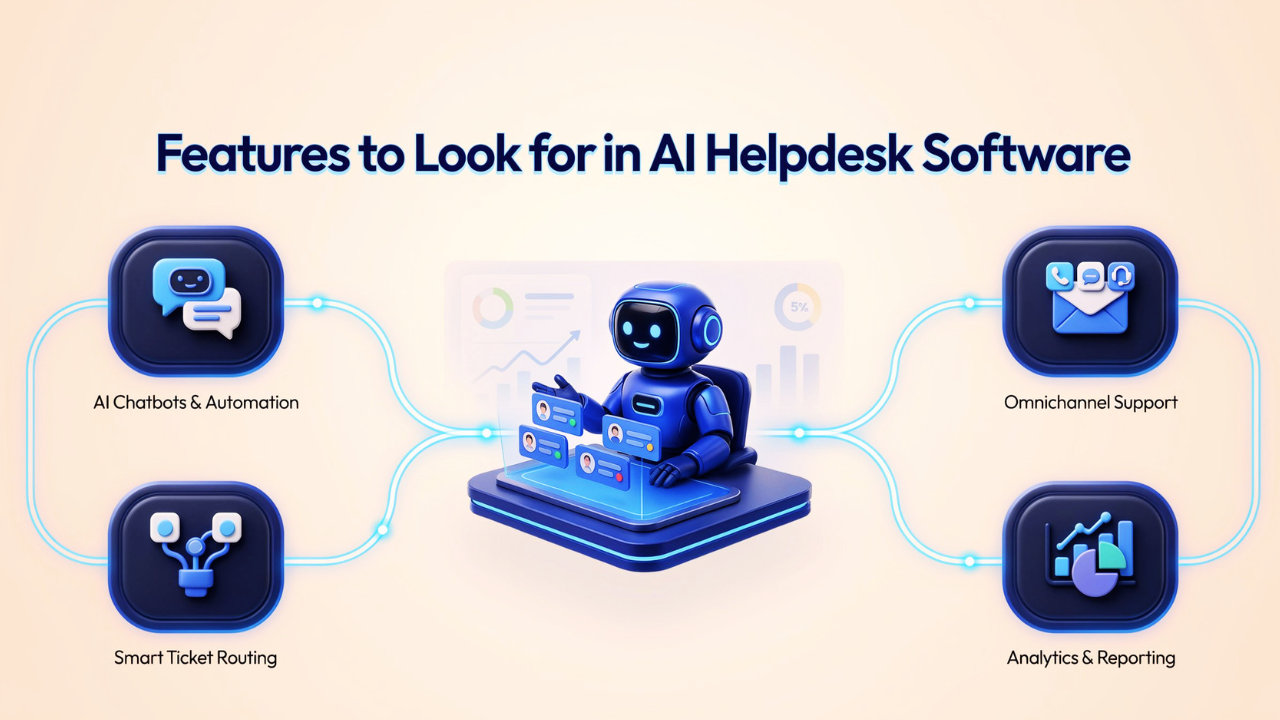
1. AI Chatbots & Automation
Look for bots that are trained on your data not just generic FAQ scripts. The best tools let you feed the AI your product docs, past tickets, and policies, then deploy a chatbot that gives accurate, context-aware answers within minutes.
2. Omnichannel Support
Your customers are everywhere, so use email, Instagram DMs, WhatsApp, live chat, and Facebook Messenger.
All of these are combined into a single inbox by a good AI helpdesk program like helpira, guaranteeing that nothing gets missed and that agents don't have to flip between a dozen tabs.
3. Smart Ticket Routing
AI should automatically detect urgency, classify the query type, and route it to the right team member without a manager manually triaging every ticket.
With Bonus points for sentiment detection that flags an angry customer before they escalate.
4. Analytics and Reporting
Track what matters, such as the first response time, resolution rate, CSAT score, ticket deflection rate, and agent workload. Without these numbers, you're flying blind on whether automation is actually working.
8 Best AI Helpdesk Software for Small Businesses
1. Helpira for Monetizing Customer Support
Best for - Small businesses, agencies, and freelancers looking to automate support and create an extra revenue stream.

What it is
Helpira is an AI-powered helpdesk built for small teams. It not only automates your customer support but also lets you white-label and resell the system, turning support into a profit opportunity.
Its AI learns from your FAQs, past tickets, and documentation to generate accurate, on-brand responses so you don’t need to script everything manually.
Key Characteristics
🔺 AI-powered ticket resolution
🔺 Smart automation workflows
🔺 Minimal setup and beginner-friendly
🔺 Focus on reducing manual workload
🔺 White-label and monetization options
2. Freshdesk
Best for: Small to mid-sized businesses needing a reliable, feature-rich helpdesk with built-in AI.
What it is
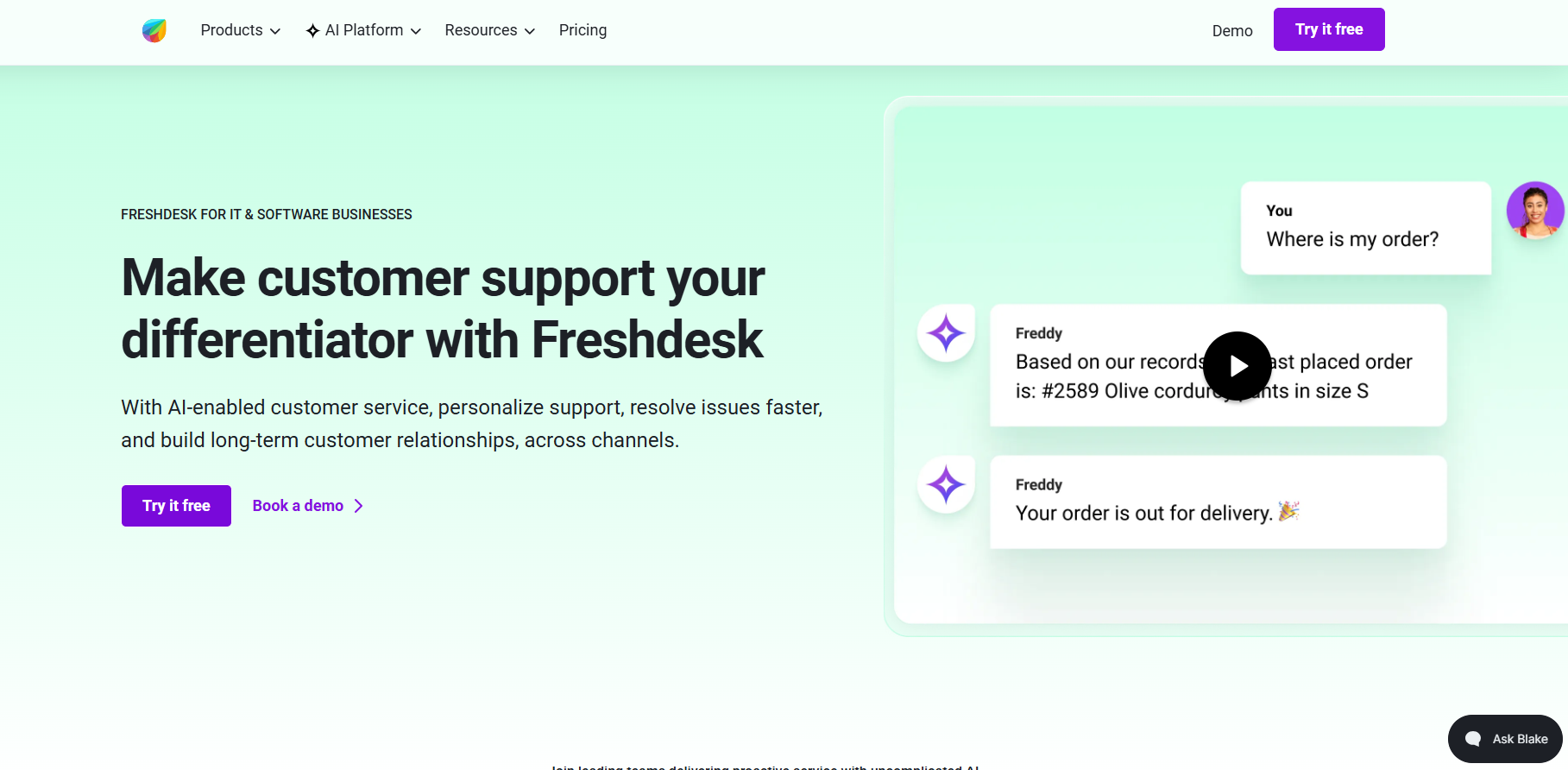
Freshdesk by Freshworks combines an easy-to-use ticketing system with Freddy AI, an assistant built right into the platform. It assists with ticket management, response suggestions, workflow automation, and the reduction of unnecessary follow-ups.
Key Characteristics
🔺 AI-powered ticketing and responses
🔺 Omnichannel inbox
🔺 Workflow automation
🔺 An intuitive user interface
🔺 AI chatbot for self-service
3. Monday service
Best for: Teams who want support and project management in one place.
What is it
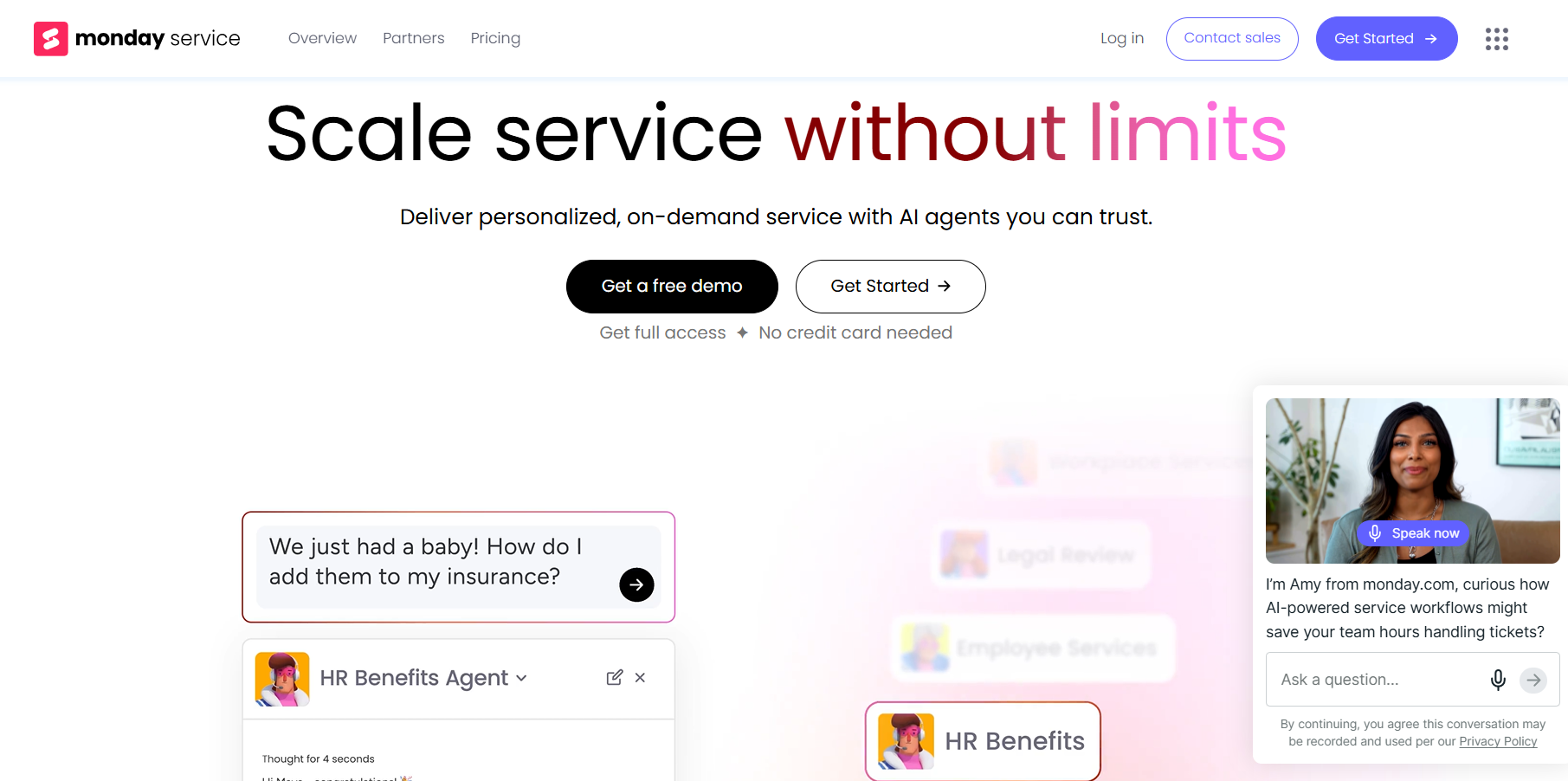
Monday service is a customer support and ITSM tool built on the same Work OS. Instead of a standalone helpdesk, it links tickets directly with projects, tasks, and team collaboration, ideal for cross-team issue resolution.
It is a flexible service management tool that combines helpdesk features with project workflows.
Key Characteristics
🔺 Custom automation workflows
🔺 Omnichannel support
🔺 Self-service portal with knowledge base
🔺 Real-time analytics and SLA tracking
🔺 Team collaboration tools
4. Atera
Best for: IT teams, managed service providers (MSPs), and internal helpdesks needing a complete ITSM solution.
What is it:
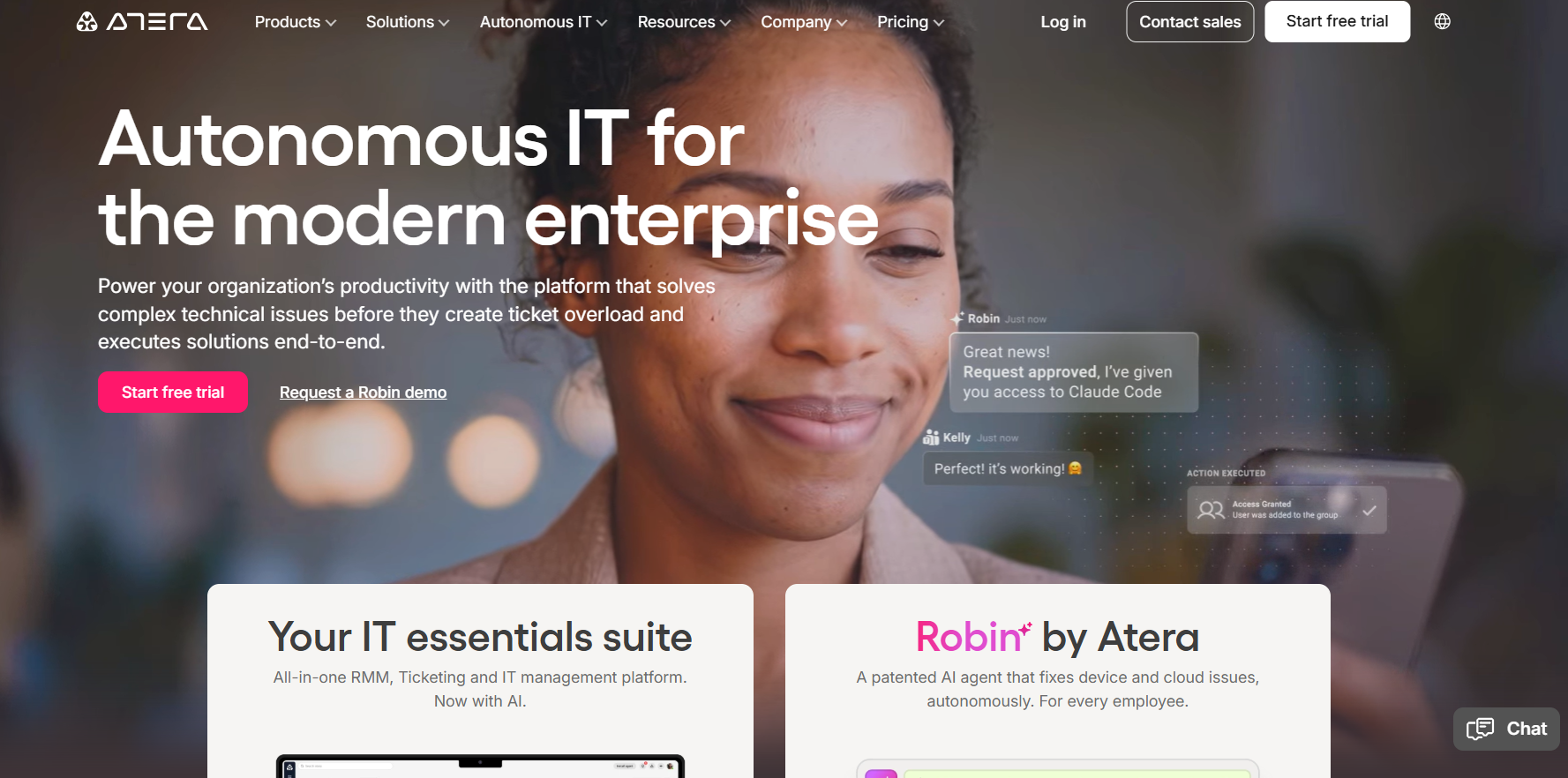
Atera is an all-in-one IT management and helpdesk platform built for IT professionals. Its standout feature, IT Autopilot, uses AI to automate troubleshooting, suggest fixes, and handle routine tasks. It also includes built-in remote access, so you can resolve issues without switching tools.
Key Characteristics
🔺 IT Autopilot for automated troubleshooting
🔺 AI ticket summaries and resolution suggestions
🔺 Automated routing and categorization
🔺 Built-in asset management
5. Help Scout
Best for: Startups and small teams that want an easy, email-style helpdesk with a personal touch.
What is it
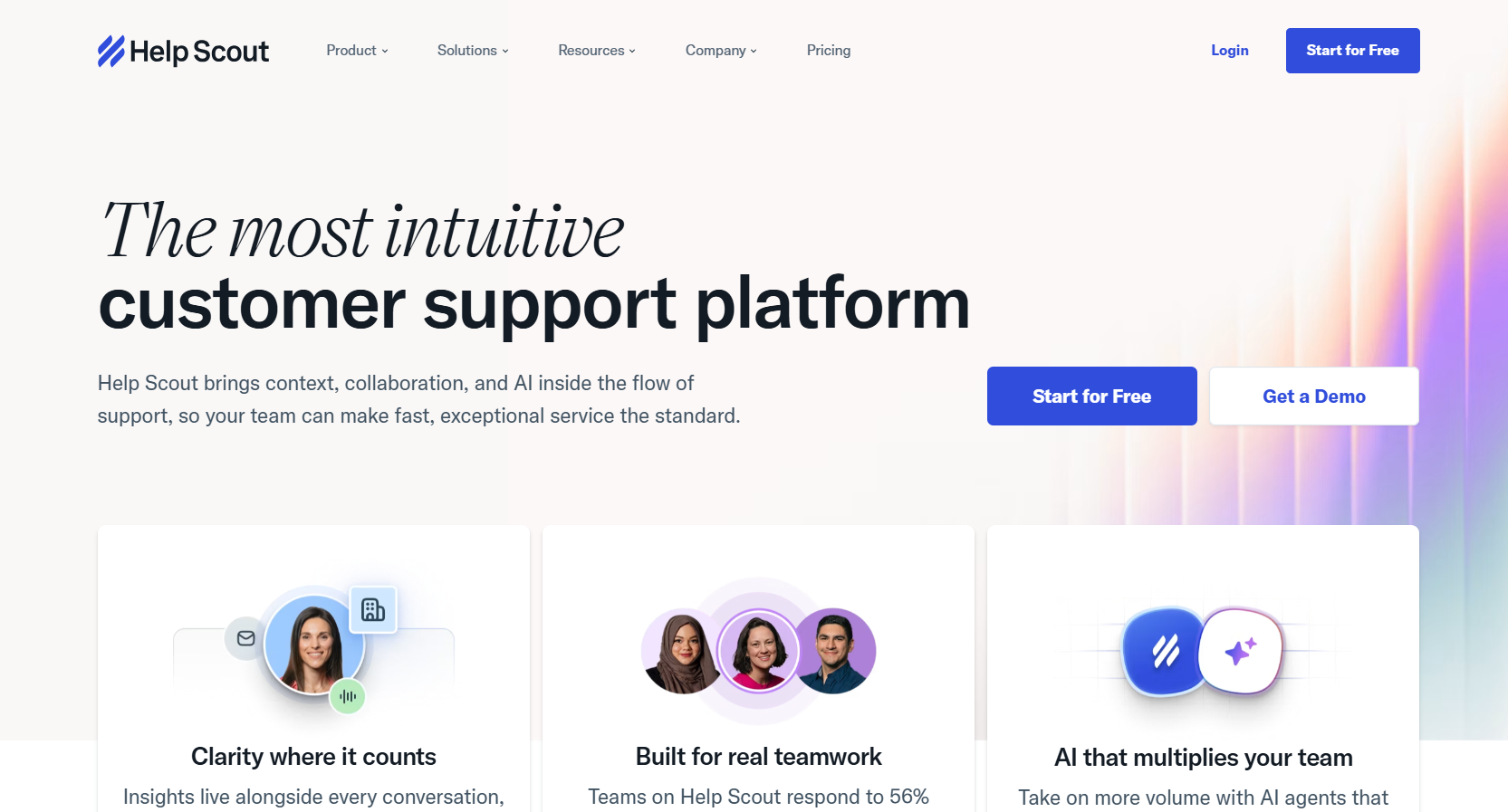
With a shared inbox that functions like email, Help Scout keeps things straightforward while discreetly utilizing AI to expedite responses.
It focuses on keeping conversations natural and customer-friendly. Its Beacon widget combines live chat and self-service, helping users find answers before opening a ticket.
Key Features
🔺 Beacon widget for chat + AI-powered article suggestions
🔺 AI Drafts for reply suggestions based on past conversations
🔺 AI Summarize for quick ticket context
🔺 Shared inbox with notes, @mentions, and collision detection
6. HappyFox
Best for: Mid-sized teams and IT/ops-heavy support desks that need structured workflows and accountability.
What is it
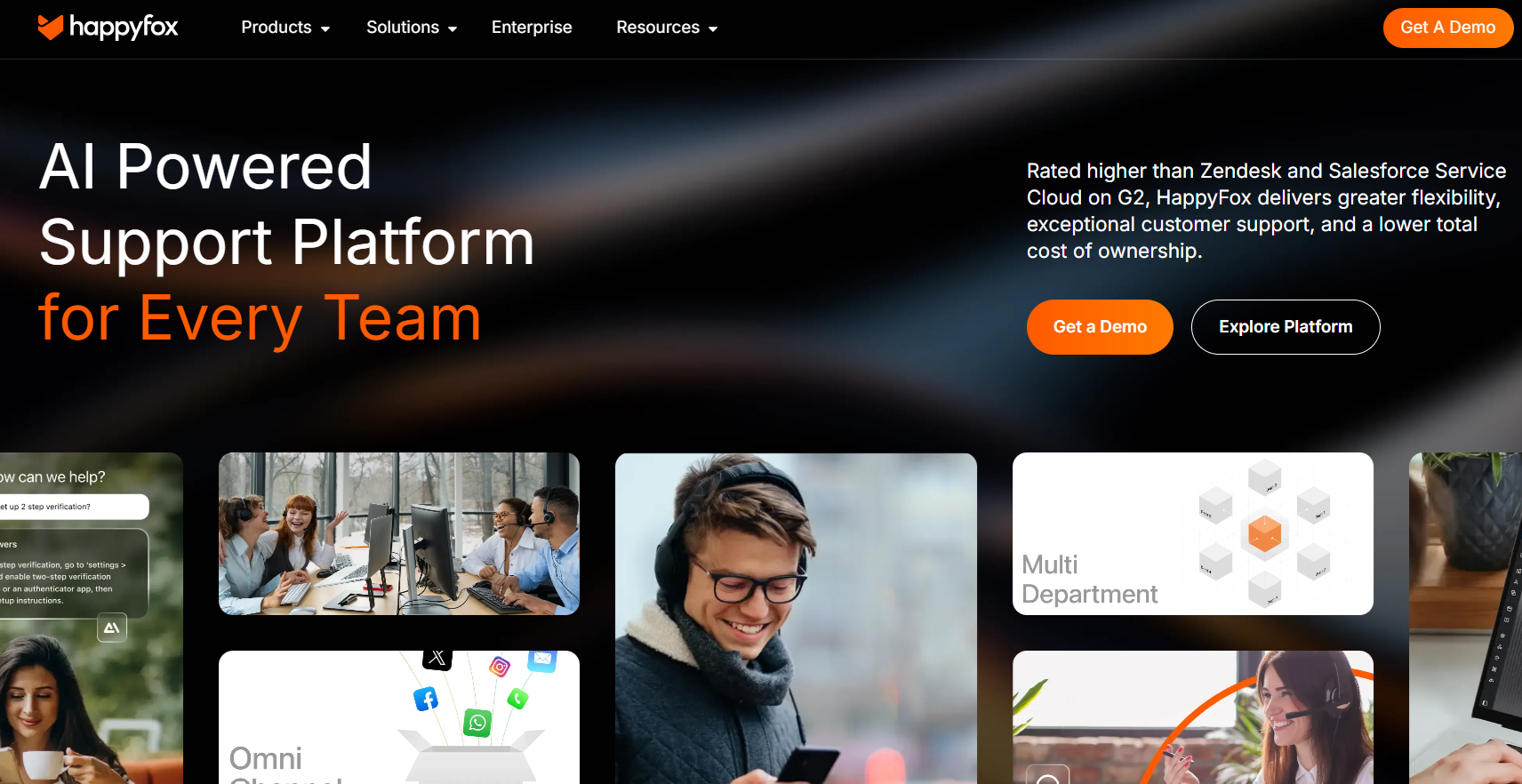
Concentrates on disciplined support processes, clear ticket handling, robust automation, and team accountability. Happy Fox Assist AI provides 24-hour support and can even deflect tickets within collaboration tools, making it ideal for internal IT and operations teams.
Key Features
🔺 AI reply suggestions, summaries, and tone fixes
🔺 Workflow automation with multi-step rules
🔺 Smart routing, prioritization, and SLA control
🔺 Agent scripting for complex cases
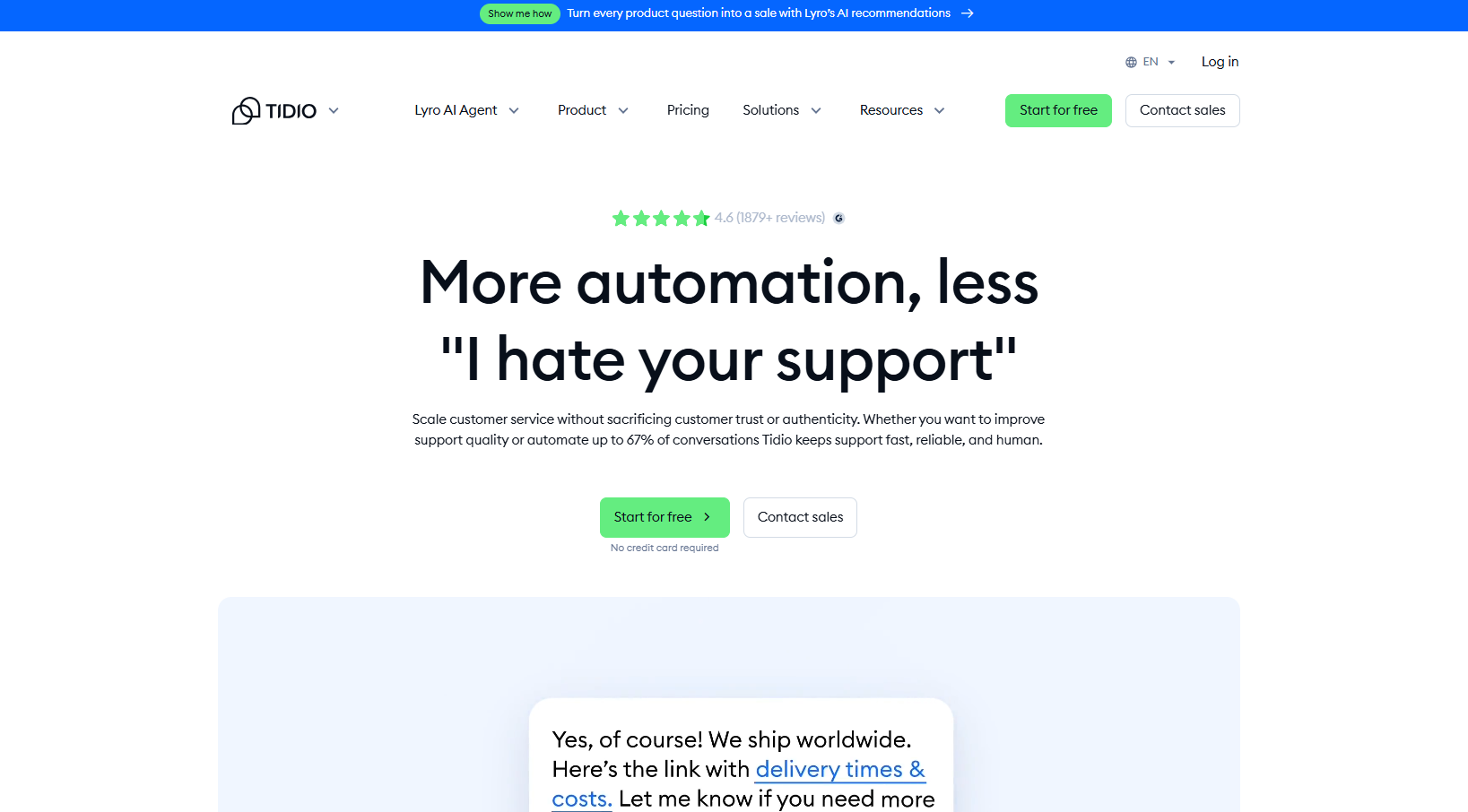
7. Tidio
Best for - E-commerce businesses, especially those using Shopify, that want to automate support and boost sales.
What is it :
In a single, easy-to-use interface, Tidio integrates live chat, AI chatbots (Lyro AI), and basic ticketing. It stands out for e-commerce by connecting directly with store data so you can view carts, manage orders, and send discounts without leaving the chat.
Key Features
🔺 Lyro AI for automated customer conversations
🔺 AI intent detection and instant replies
🔺 Shopify integration for orders, carts, and discounts
🔺 Cart recovery and lead generation tools
🔺 No-code chatbot builder
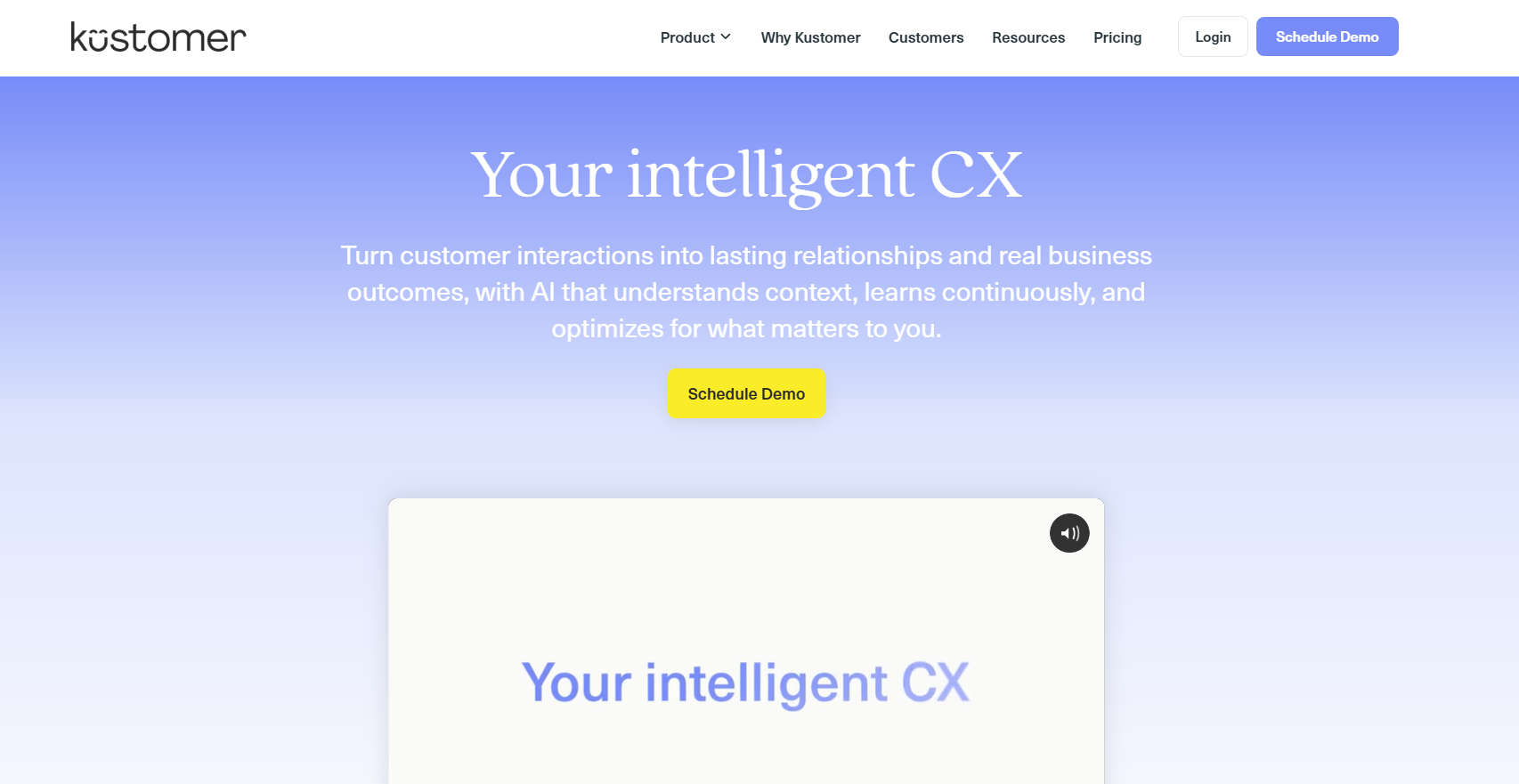
8. Kustomer
Best for: High-growth ecommerce and DTC brands managing multi-step customer journeys.
What is it :
CRM-first AI help desk that displays not just tickets but the complete client history in a single timeline. Kustomer AI does more than just respond; it can also automatically handle orders, cancellations, and subscriptions.
Key Features
🔺 Unified customer timeline
🔺 Agentic AI for orders, cancellations, refunds
🔺 AI reply suggestions with full context
🔺 Advanced workflow automation
3 Common Mistakes to Avoid When Automating Customer Support
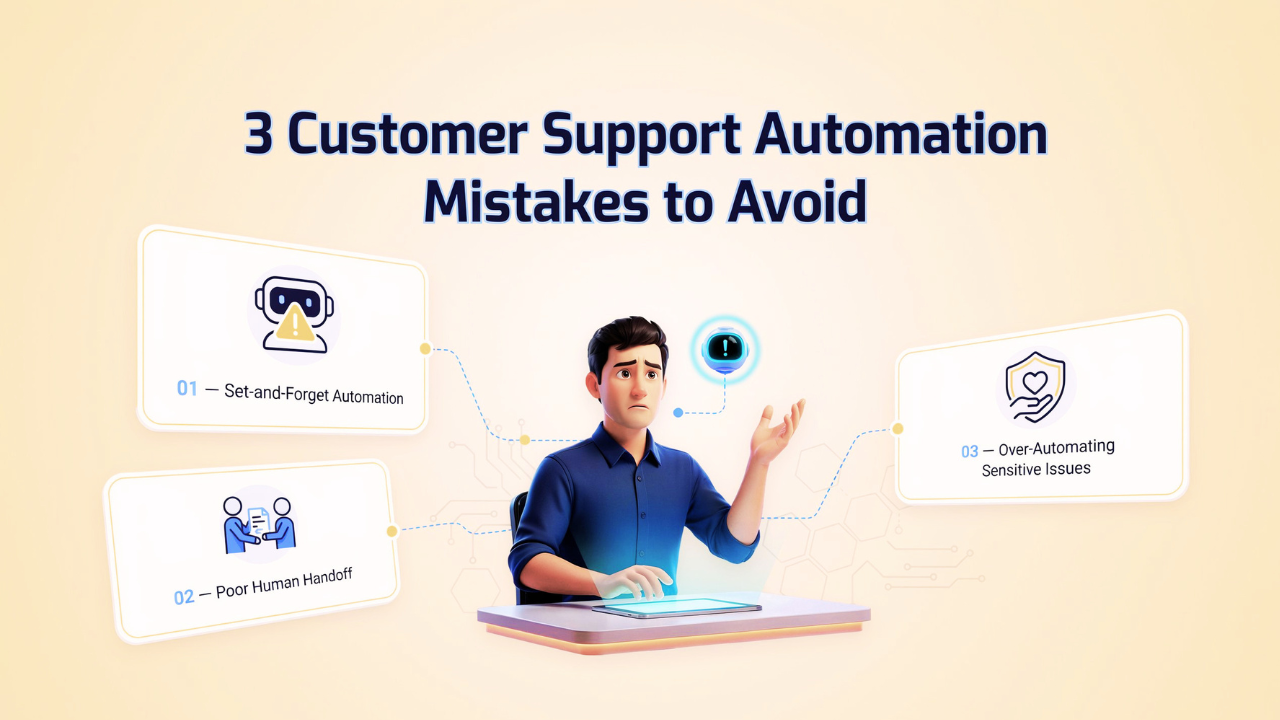
Mistake 1: The "Set it and Forget it" Trap
Since AI is not a magic wand, it will confidently mislead your customers if your knowledge base is out of date (for example, it still states that you offer a 30-day return when you changed it to 15). Every month, audit your data.
Use a solution like Helpira as a comprehensive customer management system that uses AI to automate responses, increase service quality, and enhance customer support.
Mistake 2: Ignoring the Handoff
Nothing frustrates a customer more than an AI that refuses to let them talk to a human. Ensure your "Escape Hatch" is visible. If the AI fails twice, it should instantly alert a human agent.
Mistake 3: Over-automating "Sensitive" Issues
Efficiency isn't everything. For high-value complaints or sensitive issues (like a product safety concern), the AI should recognize the gravity and step aside. Empathy beats efficiency every time.
How to Choose the AI Helpdesk Software for Small Businesses
Choosing the wrong tool can slow you down instead of helping.
A. Based on Business Size
Solo founders → simple tools like Tidio or Helpira
Growing teams → Freshdesk or monday service.
B. Budget Considerations
Look for scalable pricing
Avoid overpaying for unused features
C. Required Support Channels
Email only → simple helpdesk
Multi-channel → advanced tools
D. Ease of Use and Setup
Choose tools with (helpira) minimal learning curve
Faster setup = quicker ROI
Conclusion
You didn't build a business to manage an inbox but to create a solution that customers needed.
AI helpdesk software will help you get back to that. It takes care of the 80% of repetitive questions, allowing your team to focus on the 20% that genuinely need human attention, ingenuity, and consideration.
It's best to start simply.
- Start with a small pilot
- Track resolution rate (not just response time)
- Improve your workflows step by step
The right choice depends on your workflow, team size, and customer expectations, with Helpira handles support, sales queries, and order tracking while helping reduce missed revenue.
But don’t overthink choosing the “perfect” tool.
Pick one tool, apply it to one channel, and test it for 30 days. Focus on one key metric: how many issues get resolved without human help. That’s where the real impact is.
FAQs about AI Helpdesk Software for Small Businesses
1. Is AI helpdesk software difficult to set up?
A: Not anymore, tools like Helpira use "Auto-Training" features that scan your website URL or documentation and can be ready to answer customers in less than 30 minutes.
2. What happens if the AI gives a wrong answer?
A: Most platforms offer a "Draft Mode" where the AI suggests a response for you to review before it's sent. As you gain confidence, you can toggle on full automation for specific, low-risk topics.
3. How much does AI automation cost for a small business?
A: Prices vary, but tools like Helpira often offer Agency or Lifetime licenses during launch phases, which can save you thousands compared to the $50–$150 per-agent/monthly fees charged by legacy platforms.